How to drop a pin in Maps on iPhone
How to add a pin to a map on iPhone, everyone must learn to pin maps better to get the best from Apple’s ever-improving Maps app. (Updated for iOS 15 & later).
Insights for the rest of us
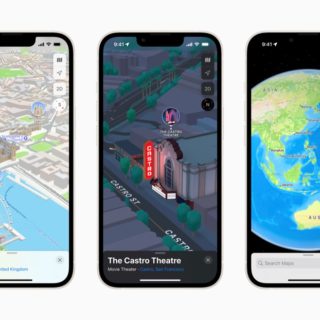
How to add a pin to a map on iPhone, everyone must learn to pin maps better to get the best from Apple’s ever-improving Maps app. (Updated for iOS 15 & later).
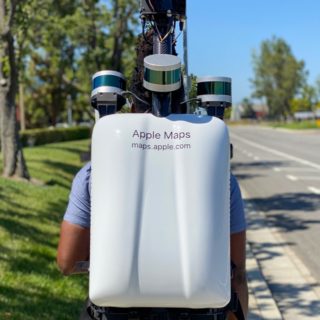
Apple has quite literally reached the end of the UK road, and has despatched an army of Apple Maps backpackers to survey pedestrianized areas it couldn’t reach

Apple has introduced its compelling new version of Apple Maps, and it’s become something really, really good — you can now explore anywhere in the world

Look Around is now available for Tokyo, Osaka, Nagoya, and Kyoto in Japan
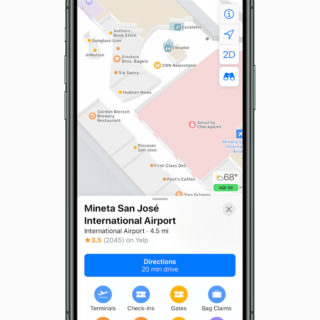
Apple’s much improved and far more detailed Maps views and features are now available all over the U.S. with Europe coming up next…

Apple is making huge improvements to its Maps service in iOS 13, which will get you to where you need to be more quick and effectively than ever before, and boasts a new Street View mode.
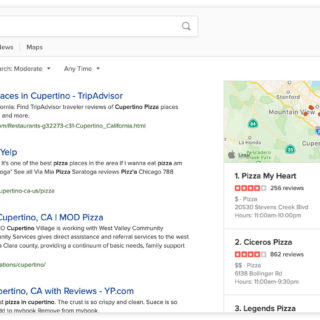
Private and secure search engine DuckDuckGo has just announced that it has integrated Apple Maps into its search results, meaning that in future maps you find in search results will be made by Apple and no data about you will be grabbed by the search engine or maps provider.
Where you should look to explore Apple’s lavishly updated Maps app, currently only available in parts of the U.S.
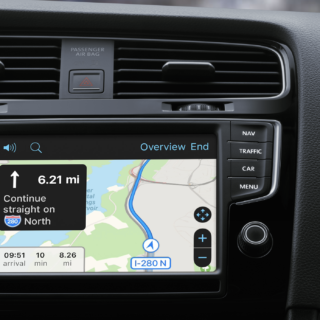
The first reviews of Google and Waze’s support for CarPlay systems suggest at least one app update is necessary before the alternative mapping services really compete with Apple Maps.
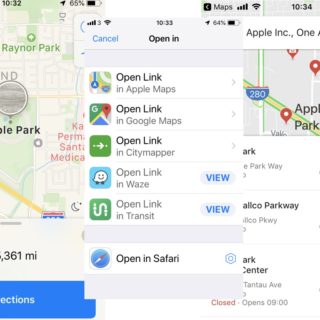
You can already use Opener to make it super-easy to swap mapping directions between Apple Maps and Google Maps — but now that app supports Siri Shortcuts, you can build a quick way to do it, too.
🍎 Daily Apple Briefing
Sign up to Apple Must's daily Apple briefing.
5 minutes. No noise.